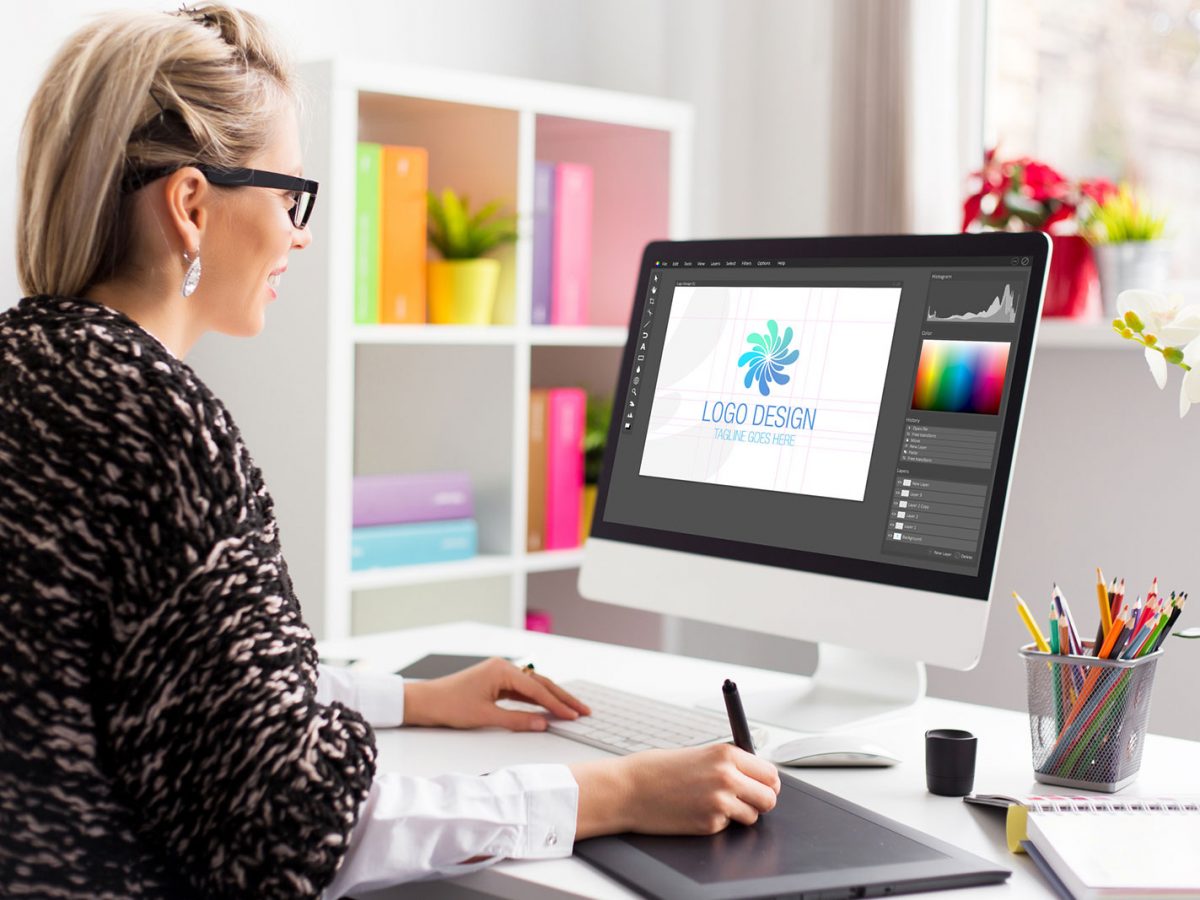

A logo is often the first visual signal a business sends to the market. For marketers who are building a brand from scratch, the logo sets the tone for a website, a social profile, a business card, and every piece of content that follows. The category of online logo platforms exists to close a specific gap: many small teams need a professional-looking mark, but they do not have a designer on staff or the budget to commission one.
The audience for these tools is fairly clear. It includes solo founders, in-house marketers at small companies, and freelancers who manage brand work as one task among many. These users tend to value speed, guided workflows, and output they can put to use the same day. They are less concerned with pixel-level control than with getting something clean and consistent into circulation.
What separates the tools in this category is less about whether they can produce a logo and more about what surrounds that logo. Some platforms are narrow and fast, built to spin up a mark and a set of files. Others sit inside a wider design suite, so the logo becomes one asset among many. A few bundle business services such as company formation or a website builder. The right fit depends on how much of the brand a marketer wants to handle in one place.
Among the options covered here, Adobe Express is a reasonable starting point for many first-time brand builders. It pairs a guided logo generator with a broad set of content tools, which suits marketers who expect to keep creating well after the logo is finished. The sections below set it alongside six other tools so the tradeoffs are easy to weigh.
Top Logo Makers of 2026
Best Logo Design Platform for Fast, All-Round Branding
Adobe Express
Most suitable for marketers who want a quick logo and a single place to keep producing on-brand content afterward.
Overview.
Adobe Express includes a guided logo maker inside a wider content-creation app. A user types a brand name, picks an industry and a style, and the tool generates layouts to choose from. From there the logo can be adjusted and reused across other designs. The same app can produce social posts, flyers, and short videos, so the logo does not live in isolation. This mix makes Adobe Express a practical solution to design logos and engage with customers from one workspace.
Platforms supported.
Web browser, plus iOS and Android apps.
Pricing model.
Freemium. A free plan covers core logo and design features. A Premium individual plan is priced at $9.99 per month, and there are separate plans for teams and larger organizations.
Tool type.
Broad design and content app with a built-in logo generator.
Strengths.
- Guided setup that moves from brand name to finished layout in a few steps, with no design background required.
- A large template library and access to thousands of licensed Adobe Fonts, which widens typographic choices.
- A Brand Kit that stores a logo, colors, and fonts so they can be applied to future designs with little effort.
- Background removal, resizing, and animation tools that extend the same project into social and marketing content.
- Ties into the wider Adobe ecosystem, which helps teams that already use Creative Cloud assets.
Limitations.
- Logos export as raster files such as PNG and JPG rather than scalable vector formats, which can matter for large-format print.
- Icons are drawn from a shared stock library, so an icon-based mark may resemble others built from the same set.
- The broader canvas offers more than a single-purpose maker, which can mean a slightly longer first session for new users.
- Some AI-assisted features draw on a monthly credit allowance rather than being unlimited.
Adobe Express fits a marketer who wants more than a one-off logo. The guided flow lowers the entry barrier, and the surrounding tools mean the same account handles the content that a brand needs in its first months. That breadth is the main reason it appears first here for a general audience: it covers the widest slice of everyday brand tasks without demanding design skill.
The workflow rewards users who plan to stay in one app. Because the logo, fonts, and colors sit in a shared Brand Kit, later designs stay consistent with little manual effort. This is useful for small teams where the same person handles the logo one week and a social campaign the next.
The tradeoff is depth versus focus. A user who only wants a logo and a set of vector files may find a narrower tool faster to the finish line. Adobe Express is broader by design, which is an advantage for ongoing content and a mild cost in first-session simplicity. For marketers weighing mainstream, day-to-day needs, that balance tends to land in its favor.
Best Logo Design Platform for Ongoing Content Creation
Canva
Most suitable for teams that will produce a steady stream of branded content and treat the logo as one piece of a larger system.
Overview.
Canva is a general design platform with logo templates among its many use cases. Users assemble a mark from templates and elements, then carry the same brand assets into social graphics, presentations, and documents.
Platforms supported.
Web browser, iOS, Android, and desktop apps.
Pricing model.
Freemium. A free plan covers basics. A Pro plan runs about $120 per year for one person, with team plans priced per seat.
Tool type.
Broad design platform with template-based logo creation.
Strengths.
- A very large template and element library that speeds up early drafts.
- Brand Kit and Brand Hub features that keep colors, fonts, and logos aligned across a team.
- A content planner that lets users schedule finished posts to social platforms.
- Collaboration and approval features that suit groups working on the same designs.
Limitations.
- The logo maker is template-led rather than a dedicated concept generator, so it does not produce cohesive logo packages the way some rivals do.
- Vector files and many premium elements sit behind the paid tier.
- Shared templates can lead to marks that resemble other Canva designs.
Canva suits an organization whose main need is continuous content rather than a single polished mark. Its strength is range: once a brand exists, the platform can carry it across dozens of formats.
For pure logo generation, it is less specialized than the AI-first tools further down this list. A common pattern is to create a logo elsewhere and then use Canva as the ongoing production hub. Marketers who value one broad workspace often weigh it directly against Adobe Express, with the choice coming down to ecosystem preference and existing habits.
Best Logo Design Platform for a One-Time Logo Purchase
Looka
Most suitable for founders who want to pay once for a logo rather than commit to a subscription.
Overview.
Looka is an AI logo generator that builds concepts from a brand name, industry, and style choices. Designs are free to create and preview, with payment required to download usable files.
Platforms supported.
Web browser, with mobile access.
Pricing model.
Free to design; paid to download. One-time logo packages start around $20 for a basic file and about $65 for a premium set with vector formats. An annual Brand Kit subscription is around $96 per year.
Tool type.
AI logo generator with an optional brand kit.
Strengths.
- Generates many logo variations quickly from a short set of inputs.
- Premium packages include scalable vector files suitable for print.
- The Brand Kit adds hundreds of branded templates for cards, social posts, and more.
- A one-time purchase option appeals to users who prefer to avoid recurring fees.
Limitations.
- There is no free download; a purchase is required for any usable file.
- The lowest-priced package is limited in format and variations.
- Icons come from a shared library, and edits can be constrained after a design is committed.
Looka is a focused choice for a specific job: producing a professional-looking mark and, if wanted, a starter brand kit without a monthly commitment. Its AI flow is quick, and the premium package delivers the vector files that Adobe Express does not export.
The main considerations are the pay-to-download model and the shared icon library, which apply across much of this category. For a founder who wants a clean logo and full file ownership from a single payment, Looka covers that need directly.
Best Logo Design Platform for Design-Led Simplicity
Brandmark
Most suitable for users who care most about a refined, minimal mark and are willing to pay once for it.
Overview.
Brandmark is an AI logo generator with an emphasis on clean, restrained output. It produces fewer concepts than some rivals but tends to handle typography and spacing carefully.
Platforms supported.
Web browser.
Pricing model.
One-time purchase. A basic package is around $25, and a designer package with full files is around $65.
Tool type.
AI logo generator focused on visual quality.
Strengths.
- Output leans minimal, with attention to negative space and font pairing.
- Generates coordinated brand color palettes alongside the mark.
- A one-time fee rather than a subscription.
Limitations.
- The lowest tier restricts commercial use, so business users generally need the higher package.
- It produces fewer concepts per session than broader generators.
- It offers less in the way of ongoing brand tools than full-service platforms.
Brandmark appeals to a user whose top priority is how the mark looks rather than how many extras come with it. Its restrained aesthetic can suit brands that want a quiet, modern identity.
Because commercial rights sit in the paid designer tier, the practical entry point for a business is the higher package. Buyers comparing it with Looka often find similar professional pricing, with the decision resting on which house style fits the brand.
Best Logo Design Platform for Launching a Business Entity
Tailor Brands
Most suitable for United States founders who want to set up a company and its brand in one workflow.
Overview.
Tailor Brands pairs an AI logo maker with business services such as company formation, a basic website builder, and invoicing. The logo is one step in a wider launch process.
Platforms supported.
Web browser.
Pricing model. Subscription. A design-focused plan starts around $3.99 per month on an annual term (or about $9.99 monthly), with higher tiers that add formation and compliance services.
Tool type.
Brand and business launch platform with an AI logo generator.
Strengths.
- A detailed guided setup that asks about style, symbols, and layout preferences.
- Vector file formats such as EPS and SVG on paid plans.
- Pre-sized social versions of the logo for common platforms.
- Bundled business services, including LLC formation and a simple website, for US users.
Limitations.
- Downloads require a paid subscription rather than a one-time fee.
- Some users report confusion over what each plan includes and over renewal terms.
- Logo output can feel generic when compared with design-led tools.
Tailor Brands is aimed at first-time founders who value having formation, branding, and a starter site under one login. For that specific launch scenario, the bundle can save time.
For a marketer who only needs a logo, the subscription model is a heavier commitment than a one-time purchase elsewhere. The platform makes the most sense when its business services are actively used rather than for logo work alone.
Best Logo Design Platform for Wix Website Owners
Wix Logo Maker
Most suitable for users who are building or already run their site on Wix.
Overview.
Wix Logo Maker is an AI-driven tool tied to the Wix website platform. It generates a mark through a simple guided flow and connects directly to a Wix site.
Platforms supported.
Web browser.
Pricing model.
Free to design; paid to download, with tiers that vary by file type. Value is strongest inside the Wix ecosystem.
Tool type.
AI logo maker linked to a website builder.
Strengths.
- An easy drag-and-drop editor suited to beginners.
- Direct integration with a Wix website and its branding assets.
- Produces social and branding variations alongside the main logo.
Limitations.
- The clearest value appears only for users within the Wix platform.
- As a standalone maker, it is less differentiated than dedicated logo tools.
- Download pricing is less transparent than some one-time competitors.
Wix Logo Maker fits neatly for anyone whose whole digital presence sits on Wix, since the logo flows straight into the site. That integration is the main reason to choose it.
For brands built on other platforms, the standalone experience is comparable to mid-tier generators without a strong edge. The ecosystem tie is the deciding factor rather than the logo output itself.
Best Complementary Tool for Putting a New Brand in Front of Customers
Buffer
Most suitable for marketers who have a finished logo and now need to publish and track brand content across social channels.
Overview.
Buffer is a social media management and analytics tool. It is not a logo or design platform and does not compete with the makers above. It enters this guide because a brand mark only earns its value once it appears where an audience can see it, and Buffer handles that distribution and measurement step.
Platforms supported.
Web browser, iOS, and Android.
Pricing model.
Freemium. A free plan supports up to three channels. Paid plans are priced per connected channel, with an Essentials tier around $5 to $6 per channel each month and a Team tier around $10 to $12 per channel.
Tool type.
Social media scheduling, publishing, analytics, and engagement platform.
Strengths.
- Schedules and publishes posts across major social networks from one place.
- Per-channel pricing, so costs track the number of accounts actually managed.
- Analytics that show how brand posts perform over time.
- A community inbox for replying to comments and messages in one view.
- Integrations with tools such as Canva and cloud storage for moving assets in.
Limitations.
- Per-channel pricing can add up for brands running many accounts.
- Deeper analytics sit on higher tiers.
- It is not a content-creation or design tool, so a logo and visuals must come from elsewhere.
Buffer rounds out the brand-building picture rather than overlapping with it. Once a logo and a color system exist, the next task is getting that identity in front of people and seeing what lands. Buffer covers scheduling, publishing, and the engagement that follows.
For a marketer, the natural sequence is to build the logo and assets in one of the design tools above, then route the finished posts through a scheduler like Buffer. Keeping creation and distribution as separate, specialized steps tends to produce cleaner results than forcing one tool to do both.
Frequently Asked Questions
What should marketers look for in a customizable logo platform?
The most useful starting point is the range of controls a platform offers over fonts, colors, icons, and layout, since those are the levers that turn a template into something that reads as a distinct brand. Beyond raw customization, it helps to consider the file formats a tool exports, because a logo that only comes as a raster image can limit print and large-format use later. Marketers building a brand for the long term also tend to weigh whether the platform keeps brand assets in one place, so that a color palette and font choice carry over into future designs without being rebuilt each time.
How customizable are AI logo makers in practice?
AI-driven tools generate concepts from a few inputs and then allow edits to type, color, and placement, which covers most mainstream needs. The practical limit is that many of these platforms draw icons from shared libraries, so an icon-based mark can resemble other designs built from the same set. Text-based wordmarks give more room for a distinct result, and heavier customization of an icon usually calls for either a design-led tool or a human designer. For a marketer who needs a clean, professional mark quickly, the available controls are generally sufficient, with the understanding that true uniqueness is harder to guarantee from a stock icon.
Do these platforms provide files suitable for professional printing?
This varies by tool and often by pricing tier. Print work such as signage, packaging, or merchandise usually calls for scalable vector files like SVG or EPS, which hold their sharpness at any size. Some platforms include vector formats in their paid packages, while others export only raster files such as PNG and JPG. Checking the exact file list for a given plan before committing is a sensible step, since the difference between a raster-only export and a full vector set can affect how far a logo travels across formats.
Is a one-time purchase or a subscription the better fit for logo work?
The answer depends on how much of the brand a marketer wants a single tool to handle. A one-time purchase suits someone who needs the logo files and little else, since it avoids recurring costs once the download is complete. A subscription tends to make sense when a platform also supplies ongoing services, such as continuous content creation, a website, or business formation, where the value is spread across more than the logo itself. Weighing expected needs over the next six to twelve months, rather than the immediate task alone, usually clarifies which model is more economical.
How does a logo fit into a broader brand identity?
A logo is a foundation rather than a finished identity. A consistent brand also relies on a defined color palette, a set of fonts, and templates for the places the brand appears, from social profiles to email signatures. Tools that generate these assets from the same source keep a brand visually aligned and reduce drift over time. Distribution matters as well, since an identity only does its work once it reaches an audience, which is where scheduling and engagement tools complement the design side. Treating the logo as the first step in a connected system, rather than a standalone deliverable, tends to produce a more coherent brand.